Latest Products


-1752357259-0.jpeg)
-1740404792-0.jpeg)
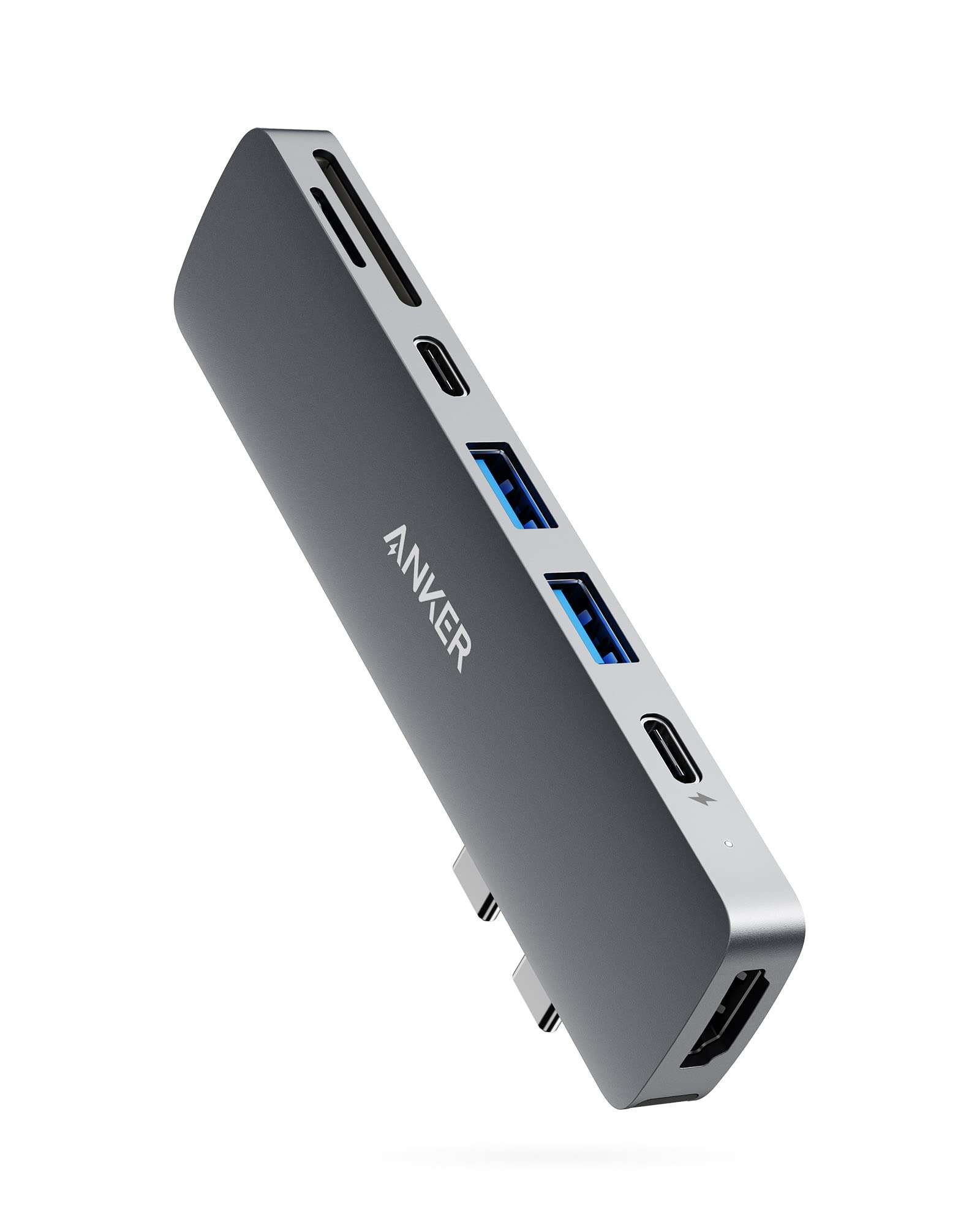

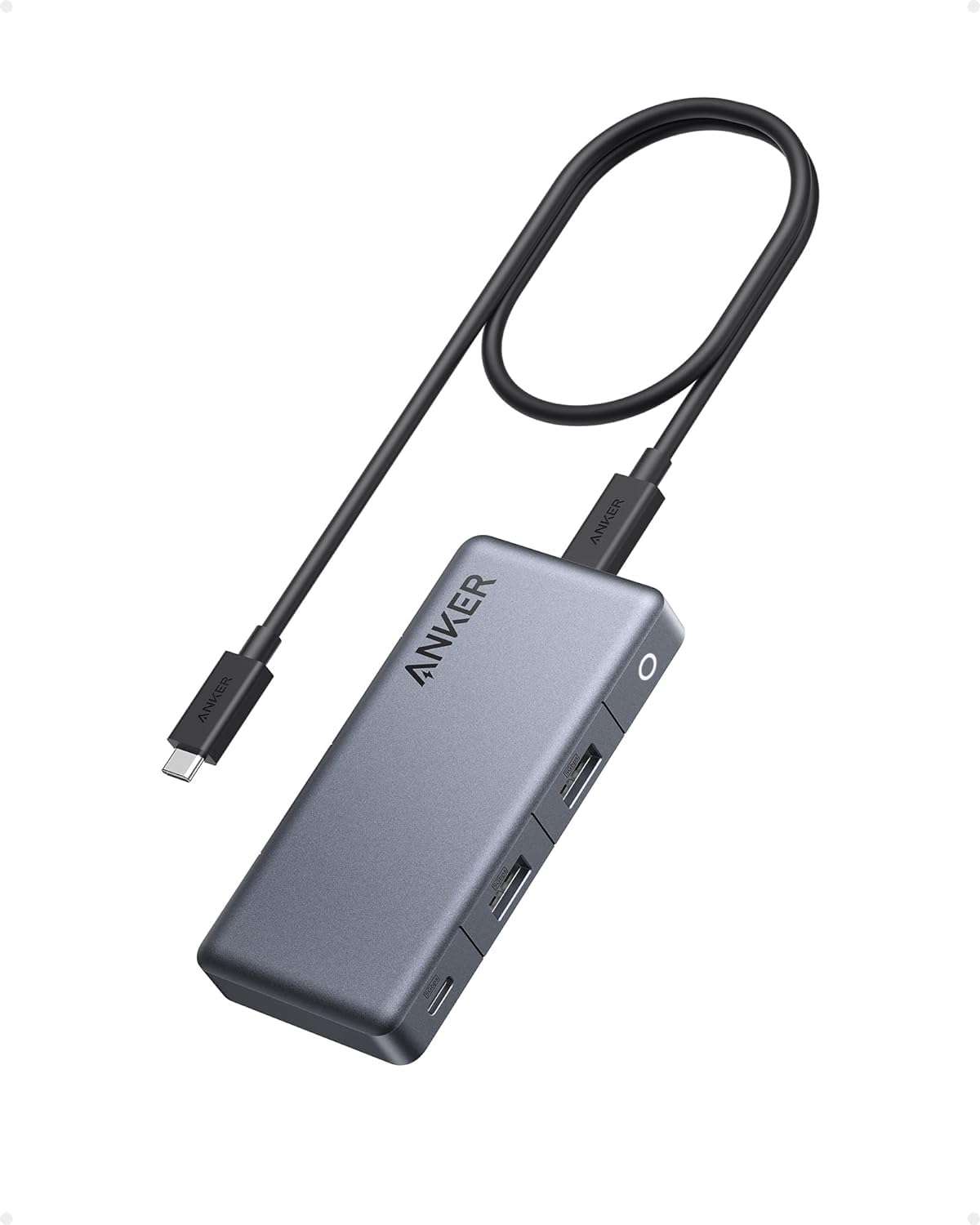
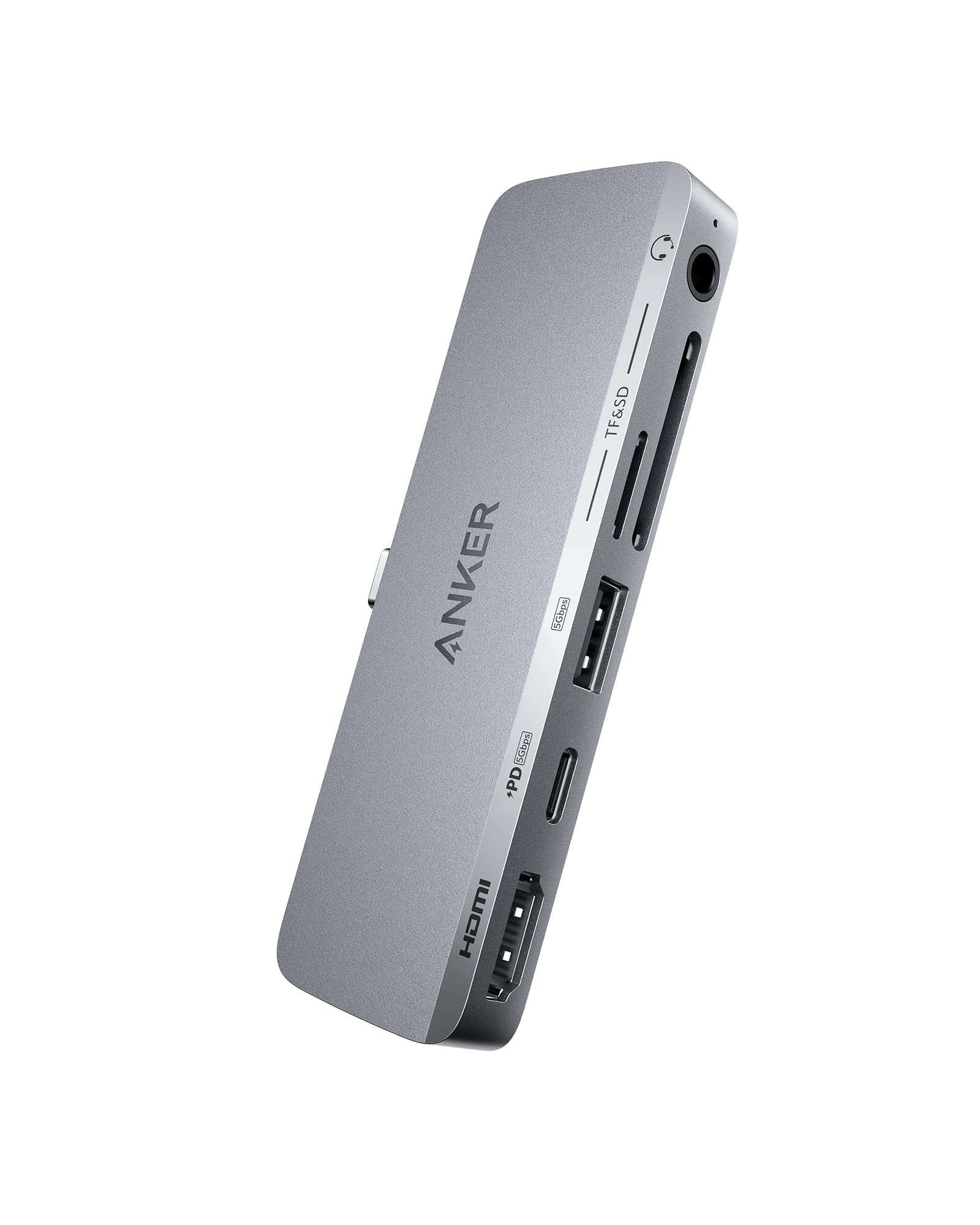
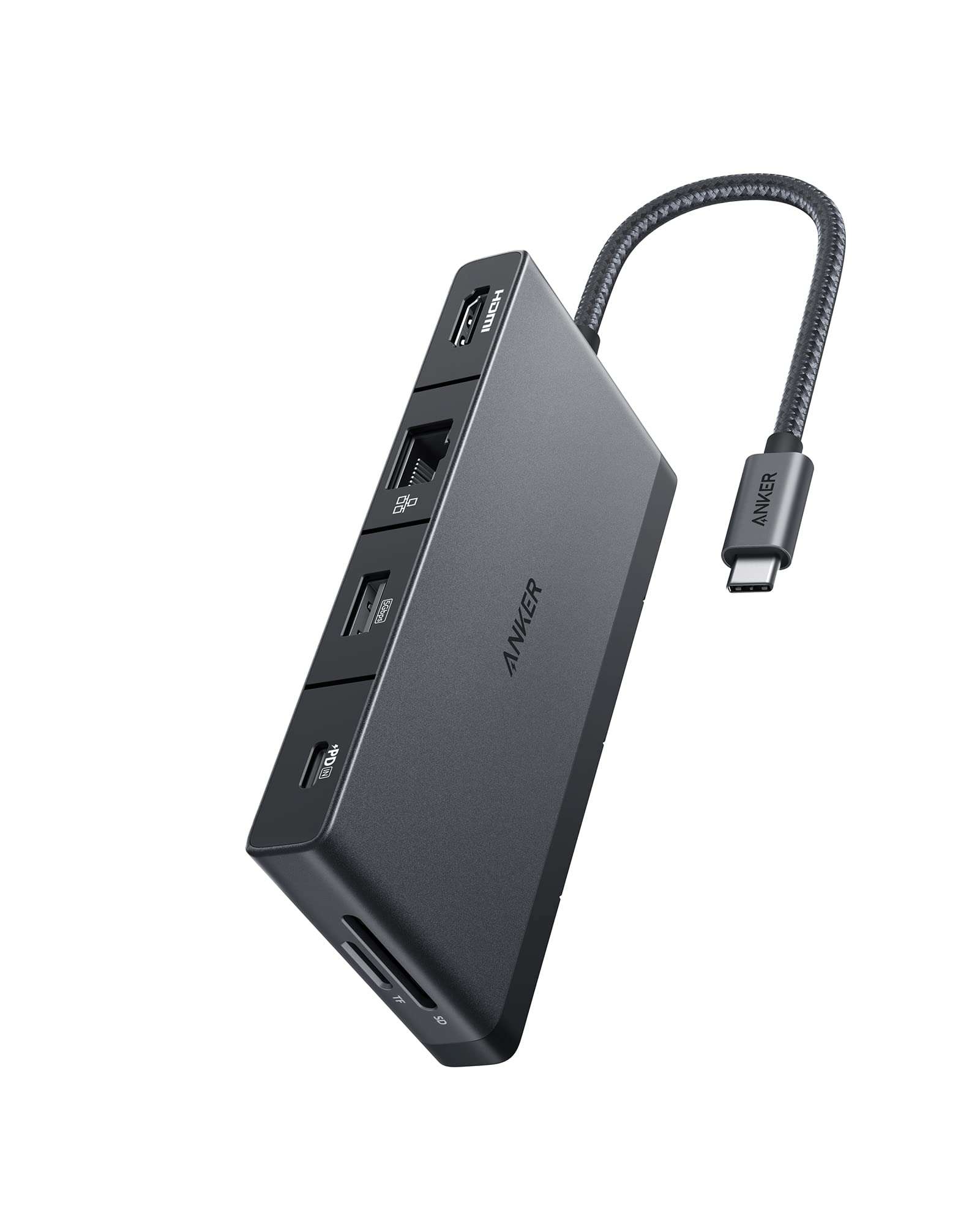
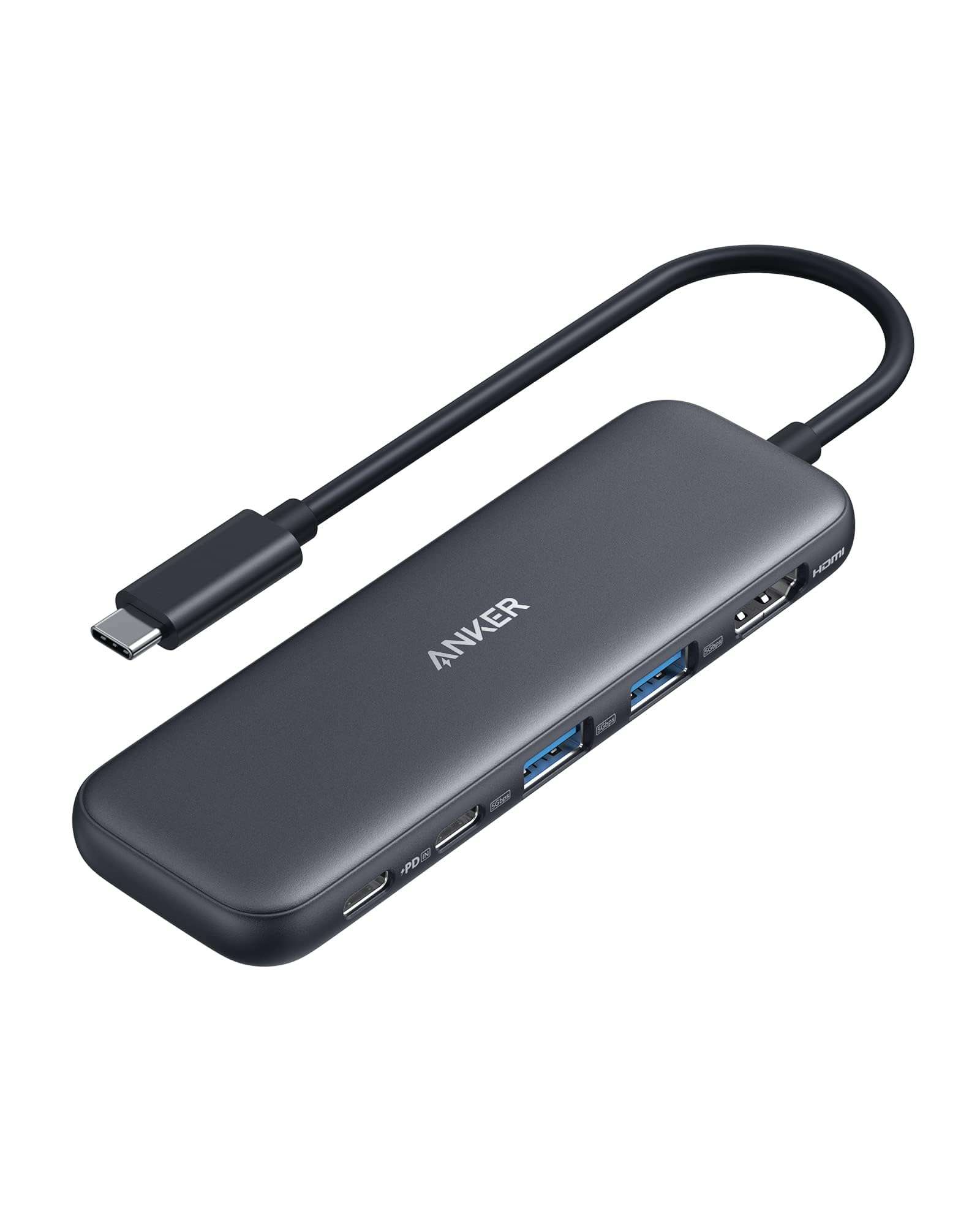
- Brand: Anker
- Hardware Interface: USB 3.0 Type A, USB 3.0 Type C, HDMI
- Special Feature: Powered, Fast Charging
- Compatible Devices: USB Flash Drives, Mouse, Keyboards, Monitors, Laptops
- Colors: Gray
Save KSh. 1,501
NB: Dear Valued Customer, due to the KRA introducing additional custom measures affecting clearance of mobile phones and other
electronic devices arriving in Kenya, we regret to inform you that we will be increasing prices.
Please kindly note that prices are subject to change without prior notice. Thank you.
For our corporate customers you can place your order seamlessly at corporates@linkphonescenter.com
The Anker 7 in 2 USB-C Hub Price in Kenya ranges between KES 8,499 - KES 10,000
Connect to the USB-C data port or USB-A ports to access high-speed data transfer at up to 5Gb/s or to connect instantly to all of your peripherals, including mice, keyboards, and USB drives—with no installation necessary.
Compatible Devices:
MacBook Pro 13" 2020/2019/2018/2017/2016
MacBook Pro 15" 2019/2018/2017/2016
MacBook Pro 16" 2019
MacBook Air 2020/2019/2018
Notes:
MacBook Air/Pro 2020 with an M1 chip can only support one monitor.
A 100W Power Delivery charger and cable are required to support 100W charging.
Frequently Asked Questions:
1. Can I use this hub with MacBook cases?
No, this hub is not compatible with MacBook cases.
2. Is this hub compatible with Dell XPS 13?
No, this hub is designed specifically to fit MacBook. It is not compatible with any other devices.
3. What's the difference between the multi-function port and the USB-C data port?
The multi-function USB-C port supports Power Delivery charging, media display, and data transfer, while the USB-C data port only supports data transfer.
How can the hub's multi-function port support charging, media display, and data transfer at the same time?
To use the multi-function USB-C port to simultaneously charge, display media, and transfer data, you must have a monitor with a Thunderbolt 3 port plus a USB or USB-C port. Use a Thunderbolt cable to connect the hub to your monitor, and another cable to connect your monitor’s USB-A or USB-C port to your SSD (or other storage device).
5. Do the USB-A ports support charging or media display?
No, the USB-A ports do not support charging or media display.
6. Does this hub get hot?
When the hub is fully loaded, it may reach a surface temperature of around 113℉. However, this is normal for products of this kind.