Latest Products
-1715701771-0.jpeg)
-1777189985-0.jpg)
-1743760787-0.jpeg)
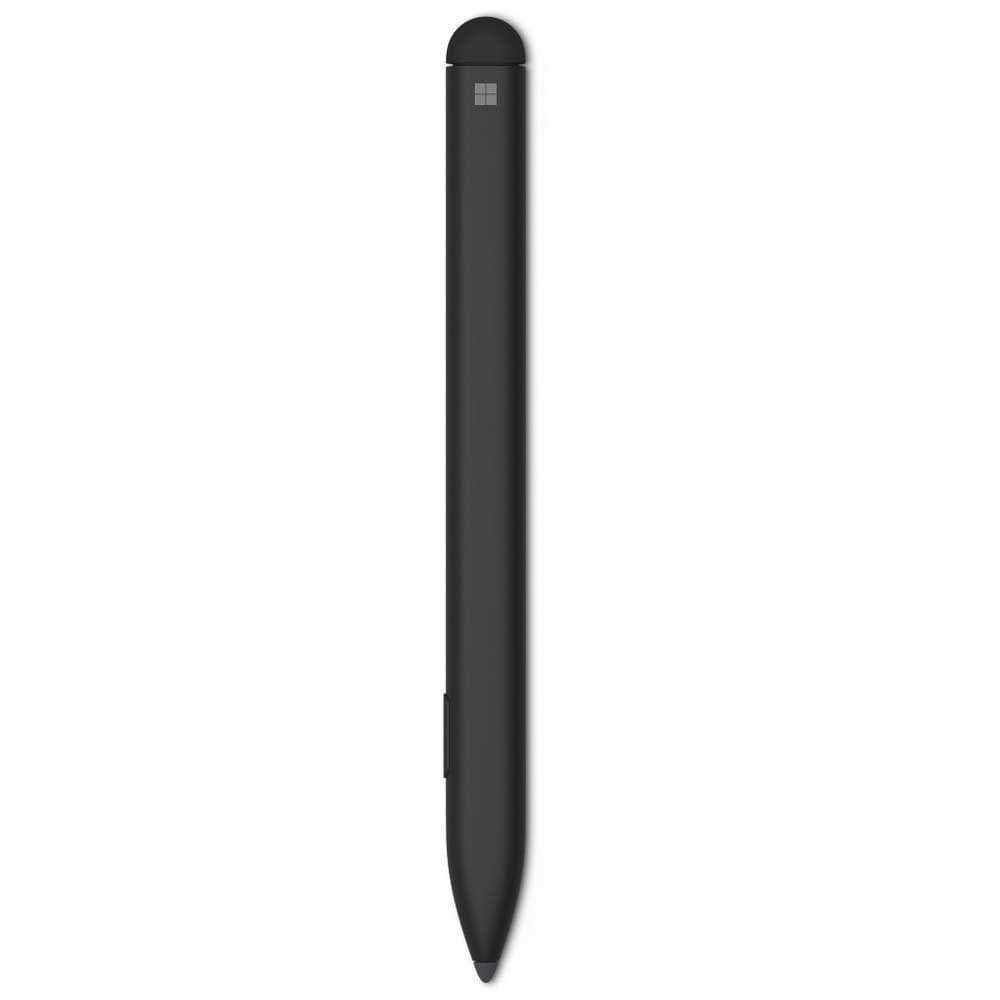
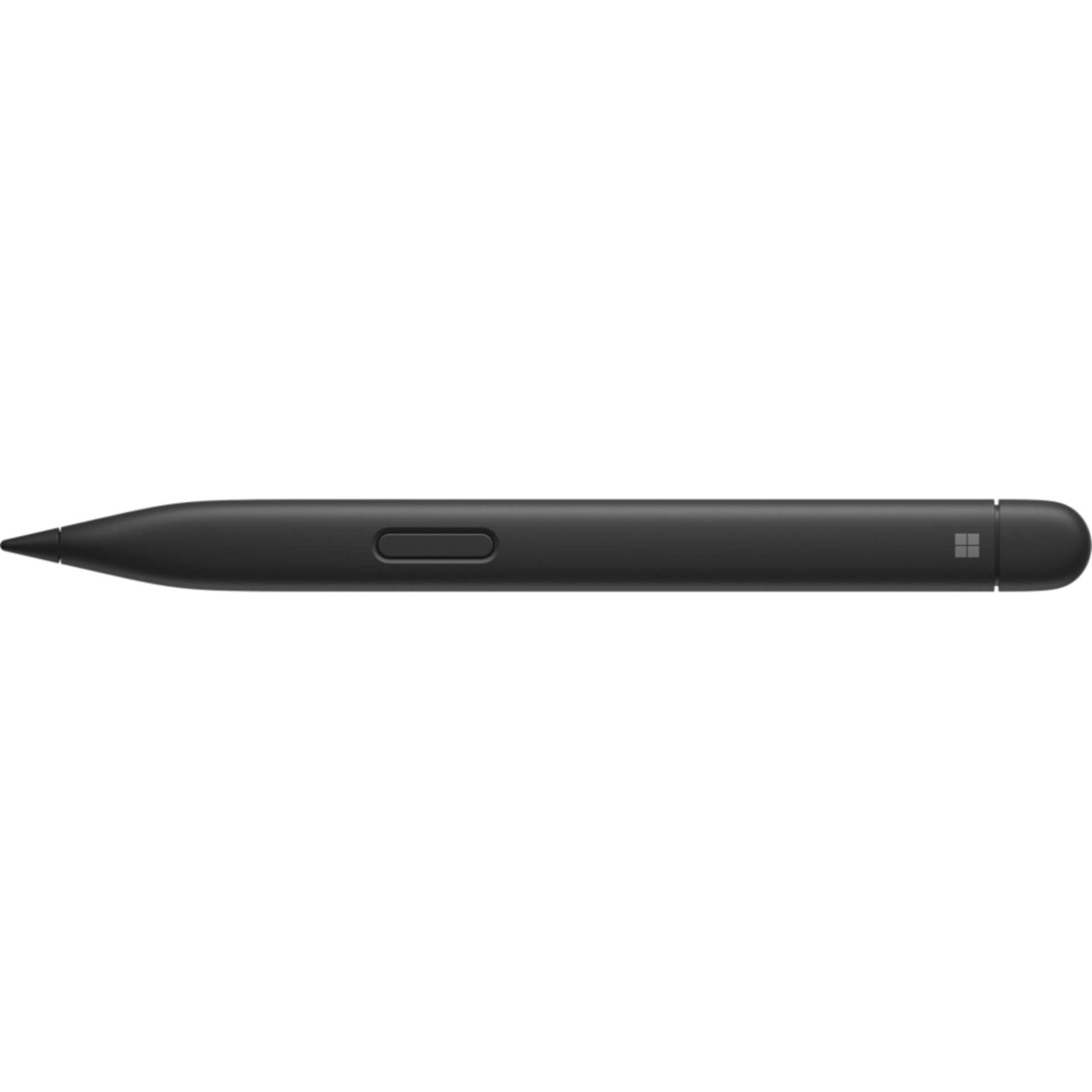
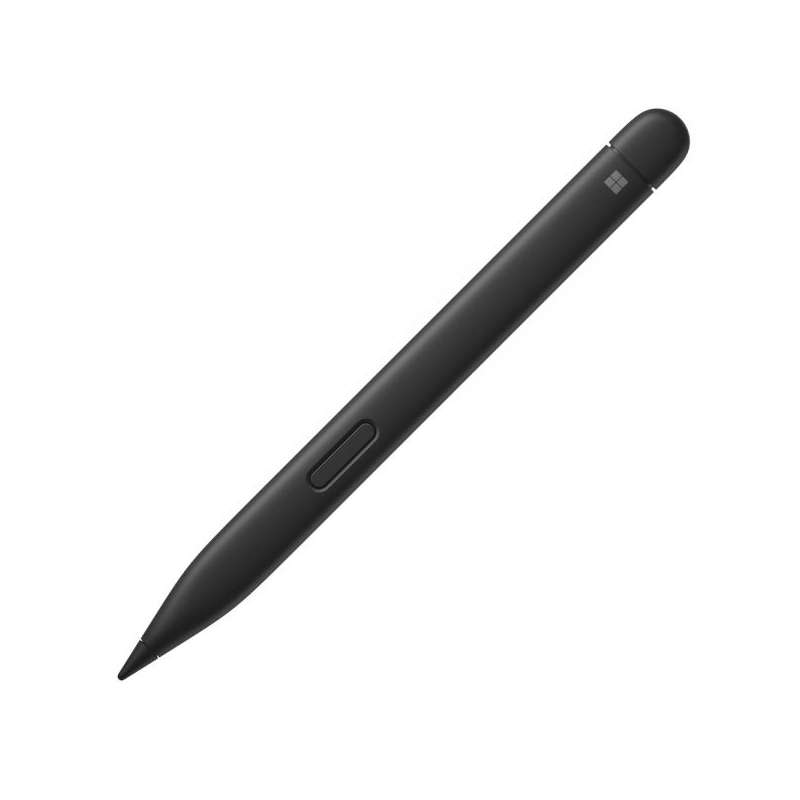
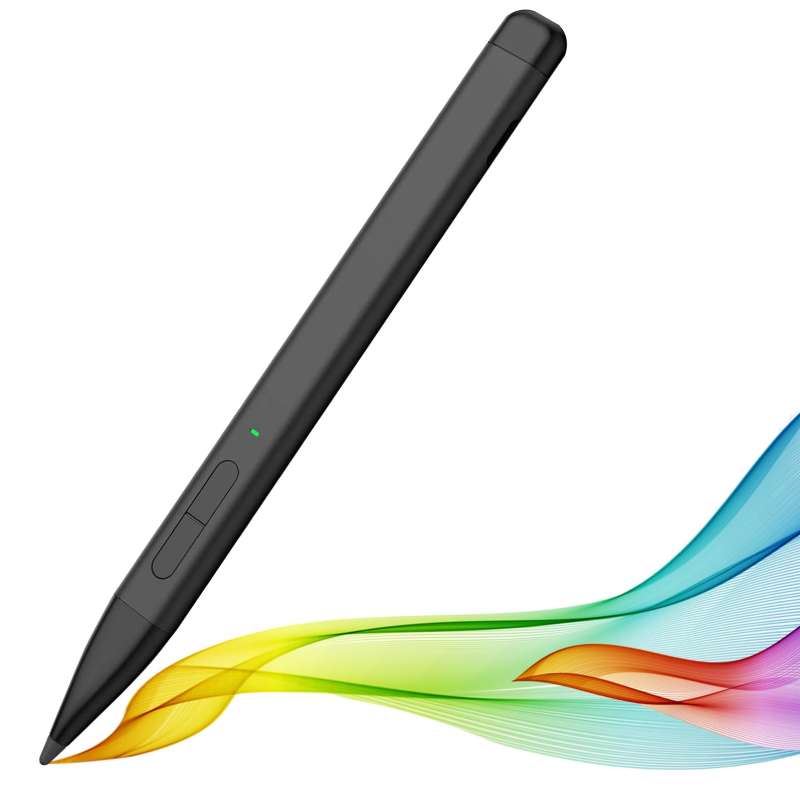
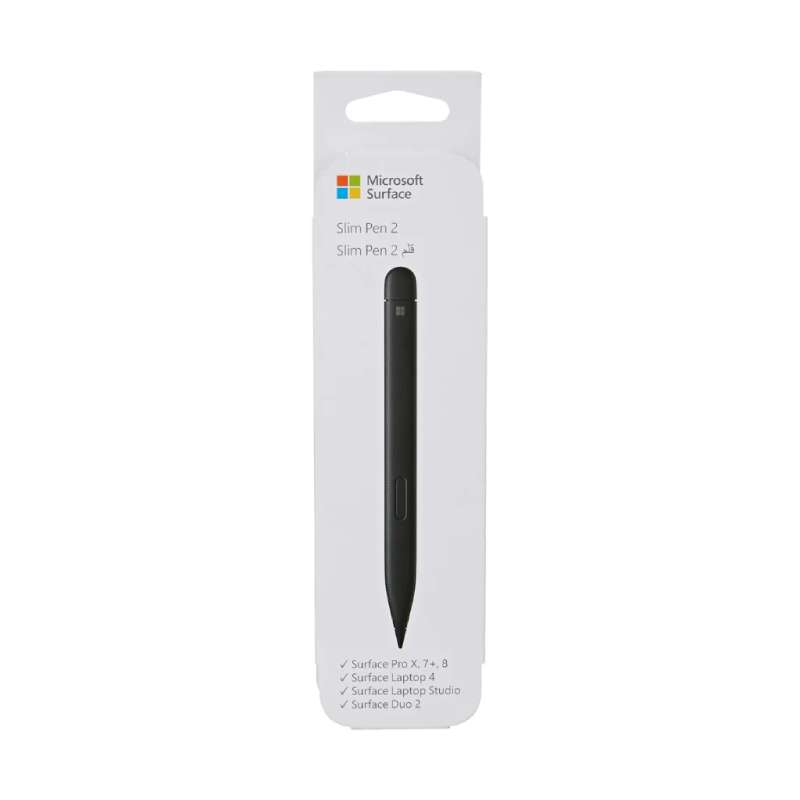
- Type: Rechargeable Digital Stylus
- Model: Surface Slim Pen 2 / Surface Slim Pen (2nd Edition)
- Pressure Sensitivity: 4,096 Pressure Levels
- Inking: Zero-Force Inking
- Tilt Support: Yes, on Compatible Surface Devices
- Haptic Feedback: Tactile Signals on Supported Devices & Apps
- Connectivity: Bluetooth 5.0
- Buttons: Side Button & Top Button
- Eraser: Top-Button Eraser Functionality
- Battery: Rechargeable Lithium-Ion
- Battery Life: Up to 15 Hours Typical Usage
- Charging: Compatible Surface Devices, Keyboards & Slim Pen Charger
- Dimensions: 136.8 × 11.3 × 6.3mm
- Weight: 13g
- Colour: Matte Black
- Compatibility: Select Surface Pro, Surface Laptop Studio, Surface Duo 2 & Surface Hub Models
- Best For: Handwriting, Note-Taking, Drawing, Sketching, Annotation & Creative Work
- Features: 4,096 pressure levels, zero-force inking, tilt detection, tactile feedback, Bluetooth shortcuts and rechargeable slim design
Save KSh. 4,000
NB: Dear Valued Customer, due to the KRA introducing additional custom measures affecting clearance of mobile phones and other
electronic devices arriving in Kenya, we regret to inform you that we will be increasing prices.
Please kindly note that prices are subject to change without prior notice. Thank you.
For our corporate customers you can place your order seamlessly at corporates@linkphonescenter.com
Warranty Terms: 6 Months Warranty (SHOP warranty ONLY)
Microsoft Surface Slim Pen 2 Price in Kenya, Specifications & Features
The Microsoft Surface Slim Pen 2 is a premium rechargeable stylus designed for writing, drawing, sketching, annotating documents and navigating compatible Microsoft Surface devices. Its slim profile and sharpened tip are intended to provide a natural pen-like experience while maintaining the precision required for digital creative work.
Microsoft equips the Slim Pen 2 with 4,096 levels of pressure sensitivity and zero-force inking, allowing the pen to respond to subtle changes in writing pressure and begin registering ink with minimal force. Compatible devices also support tilt detection for more natural shading and drawing.
One of its distinguishing features is tactile feedback. On compatible Surface devices running Windows 11 and supported applications, the pen can provide physical feedback while writing and interacting with digital content, helping recreate some of the sensation associated with writing on paper.
4,096 Pressure Levels, Zero-Force Inking & Tactile Feedback
The Surface Slim Pen 2 combines high pressure sensitivity with Microsoft's zero-force inking technology and a slim, lightweight design.
Its 4,096 pressure levels allow supported drawing and note-taking applications to distinguish between lighter and heavier strokes. Meanwhile, zero-force inking reduces the amount of initial pressure required before the pen starts registering a stroke.
Microsoft Surface Slim Pen 2 Price in Kenya
The Microsoft Surface Slim Pen 2 price in Kenya ranges from KES 15,999 to KES 19,999.
Where to Buy Microsoft Surface Slim Pen 2 in Kenya
Looking for where to buy the Microsoft Surface Slim Pen 2 in Kenya? Get it from Linkphones Center for precise handwriting, digital note-taking, sketching, annotation and creative work on compatible Microsoft Surface devices.
Visit Our Store
- Shop Name: Linkphones Center
- Location: HH Towers, Moi Avenue, 5th Floor, Shop 504, Nairobi CBD
- Call / WhatsApp: 0729 222 000
- Delivery: Nationwide delivery across Kenya, including Nairobi, Mombasa, Kisumu, Nakuru, Eldoret, Thika, Nyeri, Machakos, Meru and other towns.
Whether you're shopping at our Nairobi CBD store or ordering remotely, Linkphones Center offers reliable nationwide delivery across Kenya.
Specifications & Features
4,096 Levels of Pressure Sensitivity
The Surface Slim Pen 2 supports 4,096 pressure levels on compatible Surface hardware.
Pressure sensitivity allows supported applications to respond differently depending on how firmly the pen is pressed against the display. This is particularly useful for handwriting, digital illustration, sketching and other creative applications where line thickness and intensity matter.
Zero-Force Inking
Microsoft includes zero-force inking, designed to let the pen begin registering strokes with very little initial pressure.
This helps create a more responsive writing experience, particularly when making light strokes or beginning handwritten characters.
Tilt Support
The Surface Slim Pen 2 supports tilt functionality on compatible Surface devices. Microsoft's current compatibility chart confirms tilt support on models including Surface Pro 8 and newer compatible Pro generations, Surface Pro X and Surface Laptop Studio models.
Tilt recognition can be particularly useful when sketching or shading with compatible creative applications.
Tactile Signals & Haptic Feedback
One of the standout capabilities of the Slim Pen 2 is tactile feedback.
On supported Surface devices and Windows 11 applications, the pen can provide physical feedback during certain interactions. Microsoft allows users to adjust when tactile signals occur and their intensity through Windows settings.
Tactile support depends on the Surface device and application being used, so it is not available across every device that supports basic Slim Pen 2 inking.
Bluetooth 5.0
The Surface Slim Pen 2 uses Bluetooth 5.0 wireless technology.
Bluetooth pairing enables additional functionality such as using the pen's shortcut button to launch applications and perform supported shortcuts.
Side Button
A dedicated side button provides quick access to contextual functions while using the pen. Microsoft identifies this as the right-click and select button.
This allows the stylus to perform more than basic writing and drawing without requiring constant touch-screen navigation.
Top Button with Eraser Functionality
The top of the Slim Pen 2 functions as both a programmable button and digital eraser.
The combination makes it easier to switch between writing and correcting digital notes or drawings.
Rechargeable Lithium-Ion Battery
Unlike Surface Pens that rely on replaceable batteries, the Slim Pen 2 contains a rechargeable lithium-ion battery.
Microsoft's technical documentation rates it for up to 15 hours of typical usage, although actual battery endurance varies according to usage and settings.
Convenient Surface Charging
The Slim Pen 2 supports charging and storage through several compatible Surface products and accessories.
Depending on the Surface setup, charging options include:
- Integrated charging on compatible Surface Pro models
- Surface Pro 13-inch Keyboard with pen storage
- Surface Pro 13-inch Flex Keyboard
- Surface Pro Signature Keyboard
- Surface Laptop Studio charging area
- Surface Slim Pen USB-C Charging Base
The charging accessories are sold separately unless included with another Surface product or bundle.
Slim & Lightweight Design
The Surface Slim Pen 2 measures approximately:
- Length: 136.8–137mm
- Width: 11.3mm
- Height: 6.3mm
- Weight: 13g
Its thin, flat-sided construction is significantly different from the traditional round-barrel design of older Surface Pens.
Replaceable Pen Tip
The Slim Pen 2 has an easily removable and replaceable pen tip, allowing a worn or damaged tip to be replaced rather than requiring replacement of the entire stylus.
Surface Pro Compatibility
Microsoft's current compatibility information confirms Slim Pen 2 support for modern models including:
- Surface Pro 12-inch
- Surface Pro (12th Edition)
- Surface Pro (11th Edition)
- Surface Pro 10 for Business
- Surface Pro 9
- Surface Pro 8
- Surface Pro X
Feature support varies between models. For example, the current Surface Pro 8 and newer supported Pro models offer 4,096 pressure points, Bluetooth, tilt, tactile signals and zero-force inking. Surface Pro X supports pressure, Bluetooth, tilt and zero-force inking but does not support tactile signals.
Surface Laptop Studio Compatibility
Both the Surface Laptop Studio and Surface Laptop Studio 2 support the Slim Pen 2.
Microsoft confirms support for:
- 4,096 pressure points
- Bluetooth
- Magnetic attachment
- Tilt
- Tactile signals
- Zero-force inking
The pen can also be stored and charged in the compatible charging area on these devices.
Surface Duo 2 & Surface Hub Support
Microsoft's current compatibility table also includes Surface Duo 2, Surface Hub 2S and Surface Hub 3. However, supported pen features differ between devices.
This is why buyers should check their exact Surface model rather than assuming every Surface computer supports the Slim Pen 2.
Why Choose Microsoft Surface Slim Pen 2
- 4,096 pressure levels
- Zero-force inking
- Tilt support on compatible devices
- Tactile haptic feedback on supported hardware
- Precise digital handwriting
- Suitable for drawing and sketching
- Useful for document annotation
- Bluetooth 5.0 connectivity
- Side shortcut button
- Top button
- Digital eraser functionality
- Rechargeable lithium-ion battery
- Up to 15 hours typical battery life
- Compatible Surface charging options
- Replaceable pen tip
- Lightweight 13g construction
- Slim, easy-to-store design
- Compatible with several Surface Pro generations
- Surface Laptop Studio support
- Matte Black finish
Technical Specifications
- Brand: Microsoft
- Product: Surface Slim Pen 2
- Current Name: Surface Slim Pen (2nd Edition)
- Product Type: Rechargeable Digital Stylus
- Pressure Sensitivity: 4,096 Levels
- Zero-Force Inking: Yes
- Tilt: Yes, Device Dependent
- Tactile Signals: Yes, Device & App Dependent
- Connection: Bluetooth 5.0
- Buttons: Side Button + Top Button
- Eraser: Top-Button Eraser Functionality
- Battery Type: Rechargeable Lithium-Ion
- Battery Capacity: 0.171Wh Nominal
- Typical Battery Life: Up to 15 Hours
- Length: 136.8mm
- Width: 11.3mm
- Height: 6.3mm
- Weight: 13g
- Material: Plastic Enclosure
- Colour: Matte Black
- Replaceable Tip: Yes
- Charging Accessory: Sold Separately
Microsoft's official specifications confirm the 4,096 pressure levels, zero-force inking, Bluetooth 5.0, rechargeable lithium-ion battery, 13g weight and Matte Black finish.
What's in the Box
- Microsoft Surface Slim Pen 2 ×1
- Quick Start Guide ×1
- Safety & Warranty Documents ×1
Microsoft's current retail specifications list these three items in the package. A standalone charger is not listed as included with the pen.
FAQ
1. What is the Microsoft Surface Slim Pen 2 price in Kenya?
The Microsoft Surface Slim Pen 2 price in Kenya ranges from KES 15,999 to KES 19,999.
2. Where can I buy the Microsoft Surface Slim Pen 2 in Kenya?
You can buy the Microsoft Surface Slim Pen 2 from Linkphones Center at HH Towers, Moi Avenue, 5th Floor, Shop 504, Nairobi CBD. Call or WhatsApp 0729 222 000. Nationwide delivery is available across Kenya.
3. How many pressure levels does the Surface Slim Pen 2 have?
It supports 4,096 levels of pressure sensitivity on compatible devices.
4. Does the Surface Slim Pen 2 support haptic feedback?
Yes. It supports tactile signals on compatible Surface devices and supported Windows 11 applications. The feature is device-dependent and is not available on every Surface model that supports the pen.
5. Does the Surface Slim Pen 2 need batteries?
It has an internal rechargeable lithium-ion battery, so you do not need to replace disposable batteries.
6. How long does the Surface Slim Pen 2 battery last?
Microsoft's technical specifications rate it for up to 15 hours of typical usage.
7. Does the Surface Slim Pen 2 come with a charger?
The current Microsoft package listing includes the pen, Quick Start Guide and safety/warranty documents. A compatible charging device or standalone charger is therefore required separately unless you already have a Surface device or accessory capable of charging it.
8. Is the Surface Slim Pen 2 compatible with Surface Pro 11?
Yes. Microsoft's current compatibility chart lists Surface Pro (11th Edition) with 4,096 pressure points, Bluetooth, tilt, tactile signals and zero-force inking.
9. Does Surface Slim Pen 2 work with Surface Pro 9 and Surface Pro 8?
Yes. Both Surface Pro 9 and Surface Pro 8 are officially listed as compatible.
10. Does the Surface Slim Pen 2 work with every Surface Laptop?
No. Compatibility varies considerably. Microsoft specifically states that models including Surface Laptop (7th Edition), Surface Laptop (8th Edition), Surface Laptop 13-inch and all Surface Laptop Go editions do not support inking or writing with Surface Pen.
11. Can I replace the Surface Slim Pen 2 tip?
Yes. Microsoft confirms that the pen tip is removable and replaceable.
12. What colour is the Surface Slim Pen 2?
Microsoft lists the Surface Slim Pen 2 with a Matte Black plastic enclosure.